
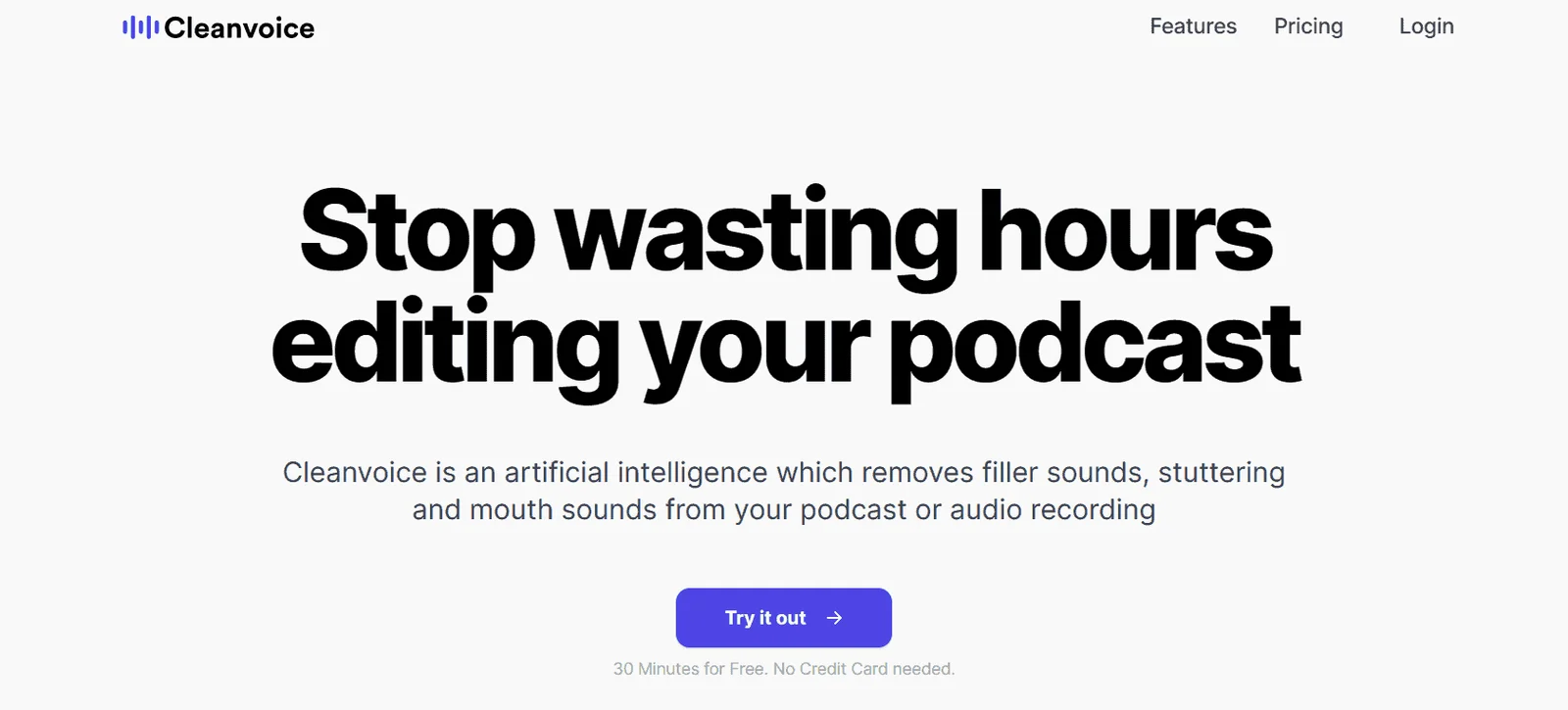
Cleanvoice AI
AI podcast editor that removes filler words, silence, and mouth sounds automatically.
About Cleanvoice AI
Cleanvoice AI automates tedious podcast editing tasks, removing filler words, long silences, mouth sounds, and background noise—turning hours of editing into minutes. Designed for podcasters who want to focus on content, not technical cleanup.
AI Editing Features
Filler Word Removal
- Detects and removes "ums," "ahs," "ers," and similar sounds
- Works in multiple languages including German and French
- Handles various accents (Australian, Irish, etc.)
- Smart removal adds natural silence to maintain flow
Mouth Sound Cleanup
- Removes clicks, pops, and smacking sounds
- Eliminates heavy breathing between sentences
- Cleans up lip smacks and saliva noises
Silence Reduction
- Automatically shortens long pauses
- Maintains natural rhythm and pacing
- Configurable silence threshold
Background Noise Removal
- Reduces hum, hiss, and room tone
- Improves overall audio clarity
- Works with less-than-ideal recording environments
Beyond Editing
Podcast Summaries
- Auto-generates episode summaries
- Creates shownotes with key points
- Highlights important moments with timestamps
Social Content
- Extracts quotable clips for social media
- Generates promotional content automatically
- Creates audiograms and video snippets
Transcription
- Full episode transcripts with speaker labels
- Export to various formats
- Searchable text archive of all episodes
Multi-Track Support
Edit multiple speaker tracks simultaneously while keeping everything perfectly synchronized—ideal for remote recordings with separate audio files.
Pricing
- Free Trial: 30 minutes of processing (no credit card)
- Subscription Plans: Based on monthly audio hours
- Pay-as-you-go: Credits for occasional users
Workflow
- Upload audio or video files
- Select which issues to fix (fillers, silence, noise)
- AI processes in minutes, not hours
- Download clean file or export to editing software
- Generate show notes and social content
"Save 5x more time with Cleanvoice's AI podcast editing—be a podcaster, not an editor."
Tags
#podcast editing#filler words#automation#transcription